SOFTWARE UPDATES
Check this page for software updates and quickly download firmware for your Sound Pressure Level Analyzer.
AVAILABLE DOWNLOADS
No software downloads available.

INSTRUCTIONS
- Download the latest firmware to your computer.
- Plug in the SPL to the computer with the provided USB cable.
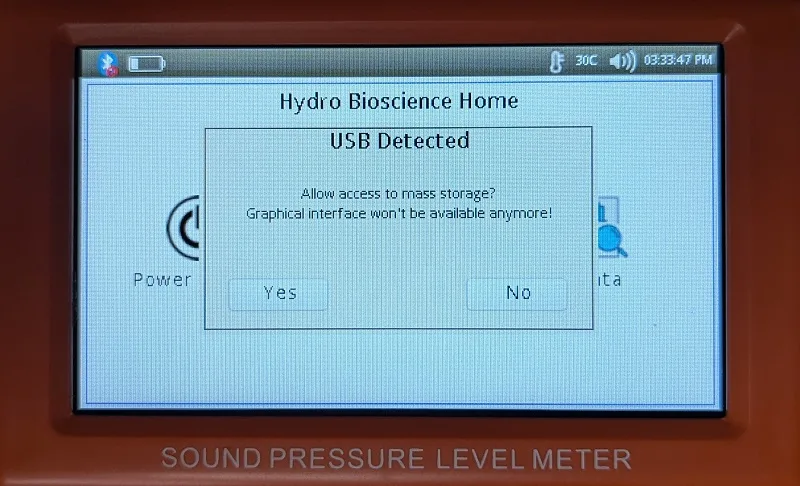
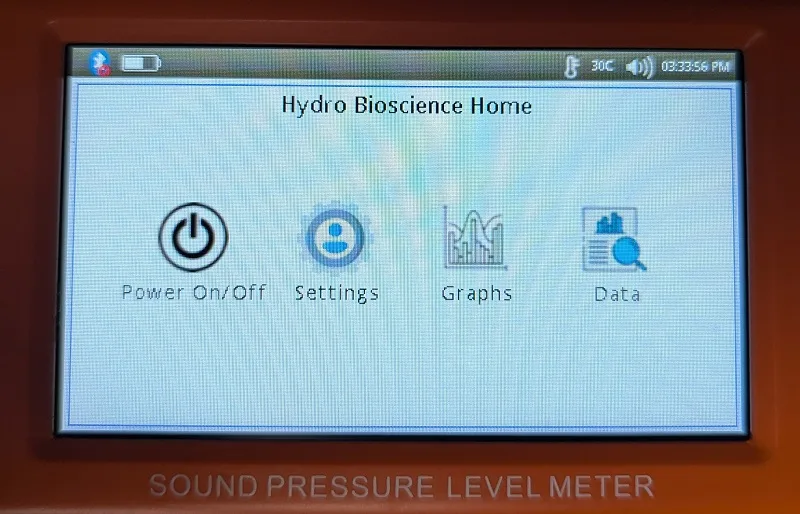
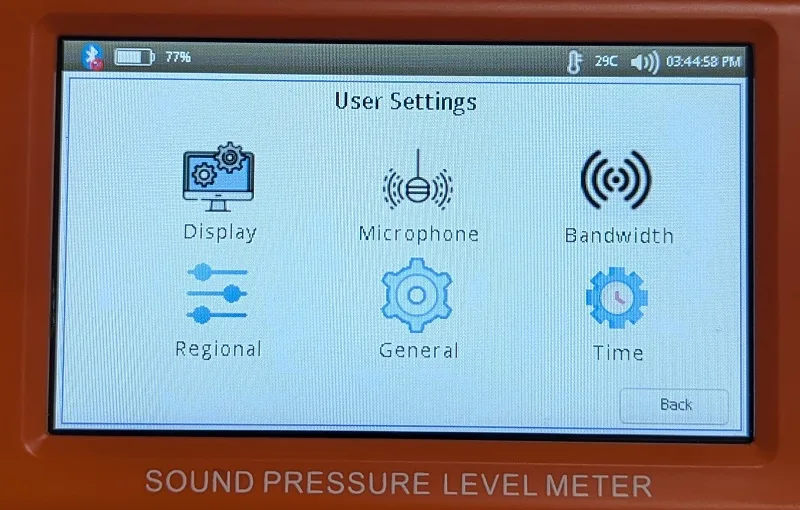
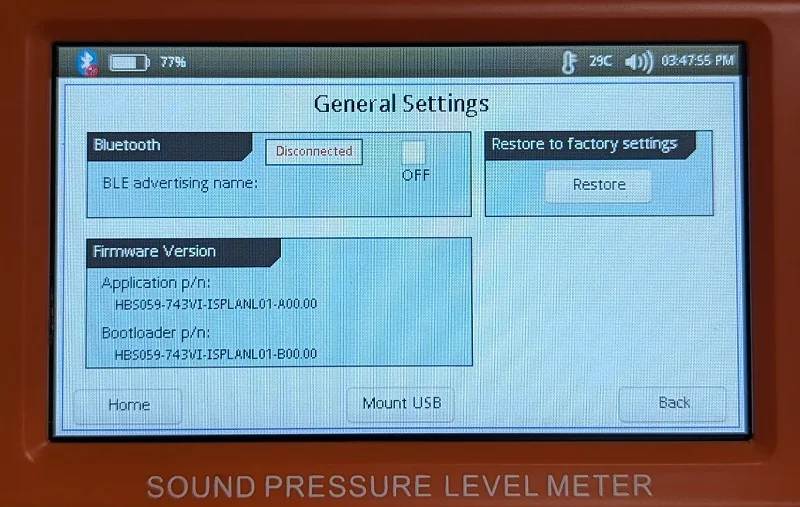
- The SPL will usually ask “Allow access to mass storage?” Select Yes. If the SPL does not ask, select Settings – General – Mount USB. See images below. [01, 1a-1c]
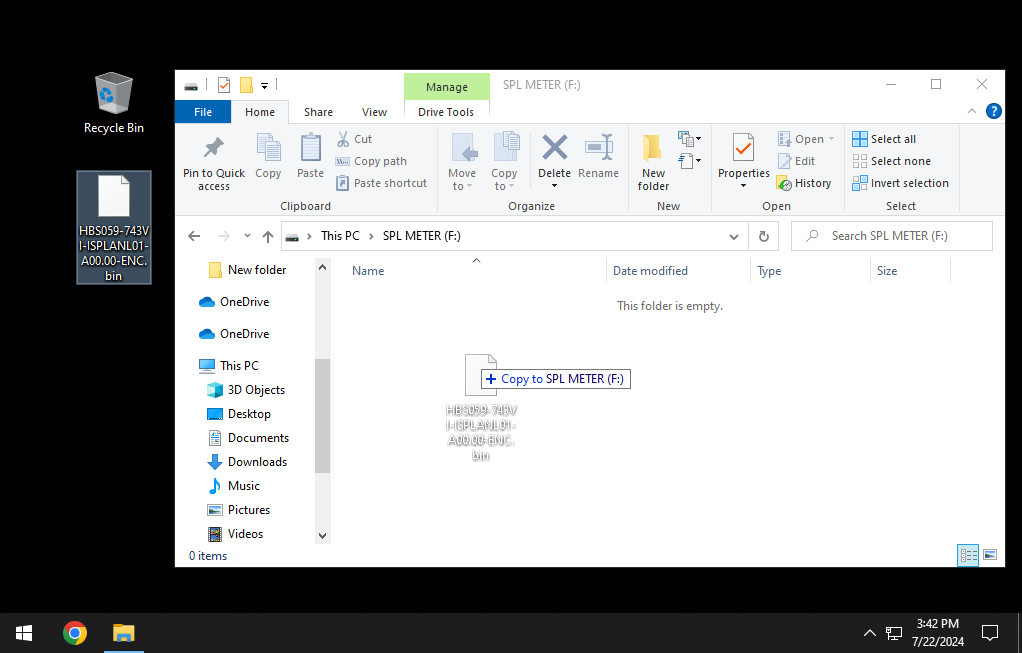
- The SPL should now be mounted on the PC. Copy the firmware .bin file to the SPL. See images below. [2a-2c]
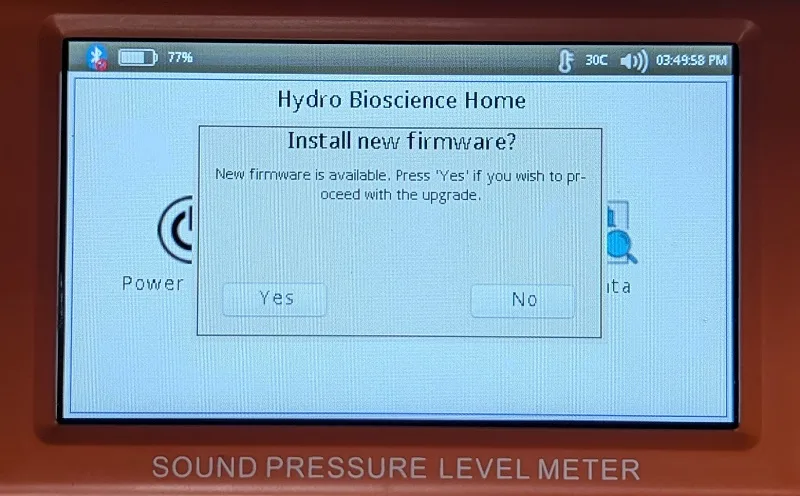
- Unplug the SPL. The device will ask “Install new firmware?” Select Yes. See images below. [3a]
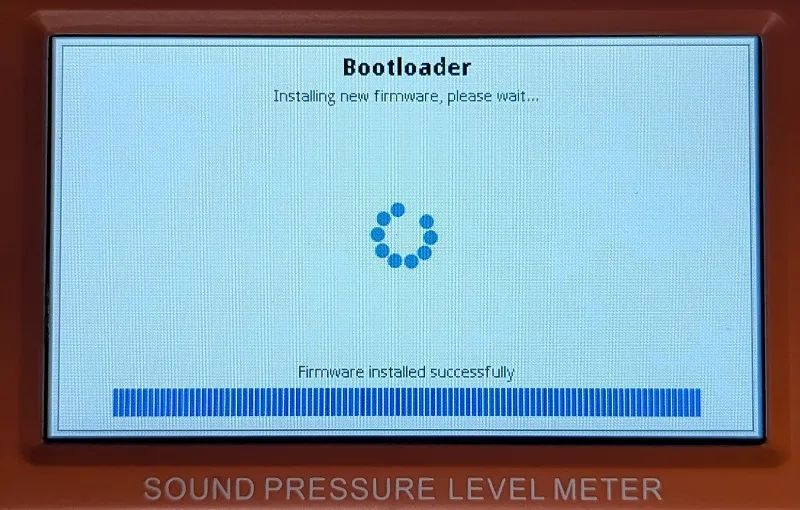
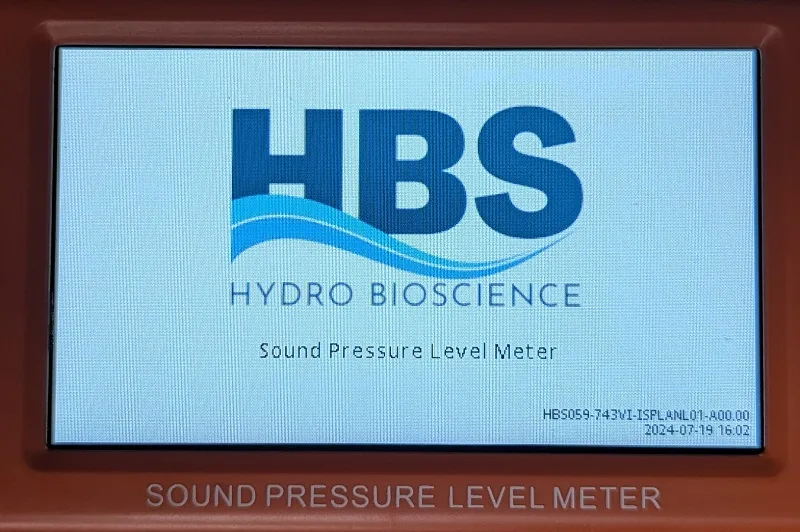
- The firmware upgrade process will take about one minute, then the device will automatically reboot. You will now be using the latest version of firmware. See images below. [3b, 3c]